A home office doesn't need to look like a catalog to work well. It needs a handful of tools that keep you comfortable, connected and able to focus for a full day, and a few extras that make the day easier.
Short answer: The essential home office equipment is a reliable computer, an external monitor, an adjustable chair, a desk at the right height, a webcam and headset for calls, a stable internet connection and good lighting. Add a keyboard and mouse, a backup drive and cable management once those basics are covered.
Key takeaways
- Spend first on what you touch all day: chair, screen, keyboard and mouse.
- Set the desk and monitor to fit your body, not the other way round.
- Calls are where people notice your setup, so a decent headset and steady internet matter more than a fancy webcam.
- Light your face from the front and your desk from the side to cut eye strain.
- Back up your work automatically from day one.
The core checklist
| Item | Why it matters | Buy first if... |
|---|---|---|
| Computer | Runs everything you do | Your current one is slow or unreliable |
| External monitor | More screen, better posture | You work on a laptop all day |
| Ergonomic chair | Comfort over long hours | You feel back or neck strain |
| Desk at the right height | Keeps wrists and shoulders relaxed | Your elbows sit below the desk top |
| Headset or earbuds with mic | Clear calls | You join several calls a day |
| Webcam | How colleagues and clients see you | Your laptop camera is grainy |
| Stable internet | Calls and uploads don't drop | Video freezes or files upload slowly |
| Lighting | Less eye strain, better on camera | Your room is dim or lit from behind |
1. A computer that fits your work
Choose the computer for the heaviest thing you do each week, not the lightest. Office documents, email and browser work run on almost any recent laptop. Video editing, large spreadsheets or design software need more memory and a stronger processor.
A laptop gives you flexibility if you sometimes work elsewhere. If you stay at one desk, a desktop often gives more power for the money. Either way, check that it has the ports you need for a monitor, keyboard and drive, or plan for a small docking hub.
2. An external monitor
Working on a laptop screen all day pushes your head down and forward. An external monitor lets you set the top of the screen at about eye level and roughly an arm's length away, which most ergonomic guidance recommends. The OSHA computer workstations guide is a good free reference for screen, chair and desk positions.
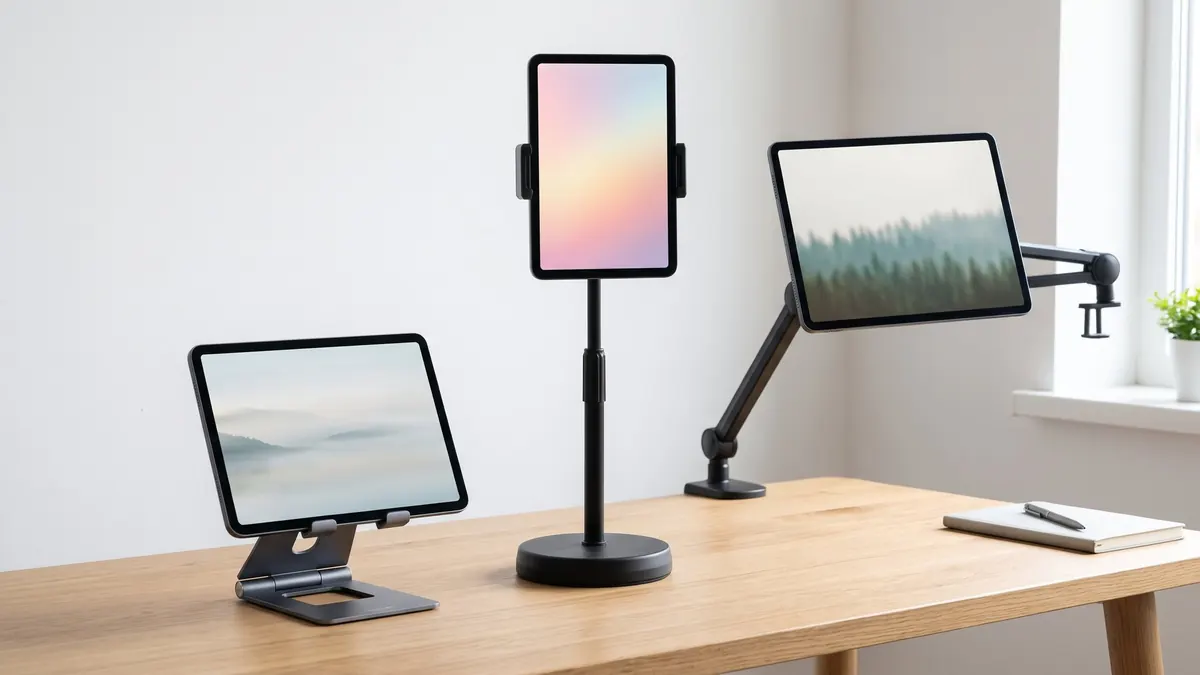
If you only use a laptop, a laptop stand plus a separate keyboard and mouse does a similar job for less.
3. A chair you can adjust
Look for adjustable seat height, lumbar support, and armrests that can drop low enough to clear the desk. Your feet should rest flat on the floor or a footrest, with your knees at about hip height.
Try to sit in a chair before buying, or buy from a seller with a fair return policy. Comfort is personal, and the most expensive chair isn't always the right one for your body.
4. A desk at the right height
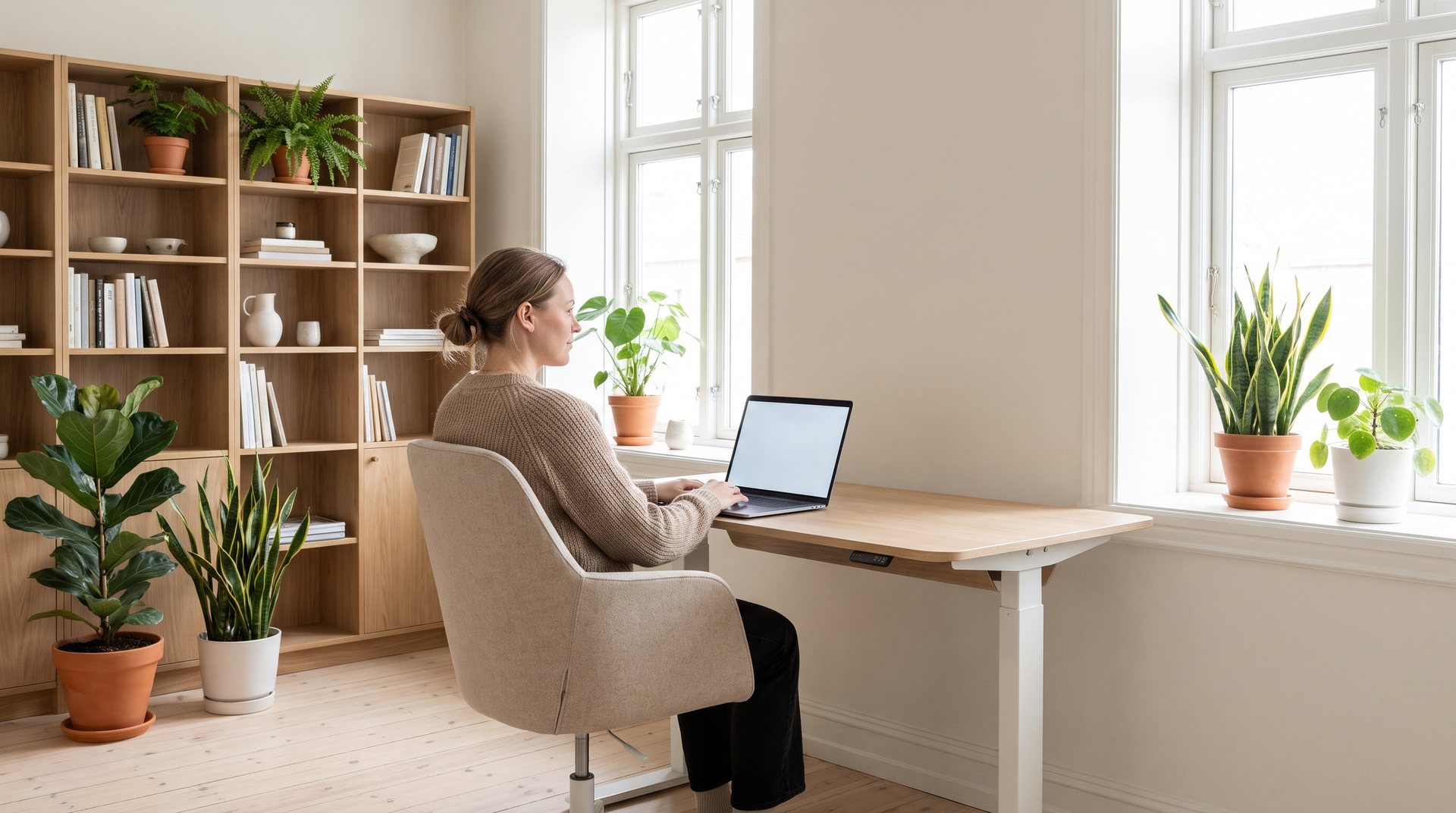
The right desk height puts your forearms roughly level with the floor when you type, with relaxed shoulders. Our guide on finding the perfect height for your adjustable desk walks you through measuring it.
A sit-stand desk or a desktop converter lets you change position during the day. If you go that way, learn how to use a standing desk converter properly so standing doesn't simply swap one kind of strain for another.
5. Keyboard and mouse
A separate keyboard and mouse let you keep the screen high and your hands low, which a laptop alone can't do. Choose a keyboard you can type on for hours without tension, and a mouse that fits your hand. If you often work early or late, consider whether a backlit keyboard is worth it.
6. Webcam, headset and microphone
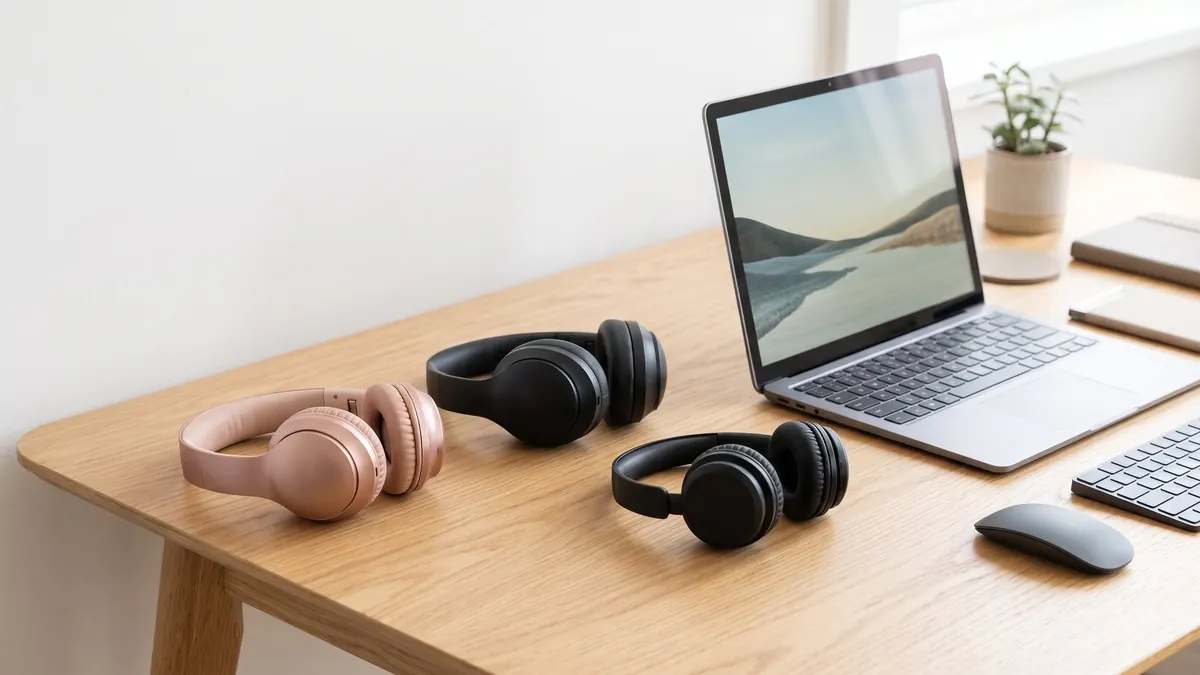
On calls, people forgive an average picture far more readily than bad audio. A headset or earbuds with a decent microphone is the single best upgrade for remote meetings, and noise cancelling helps in a busy home. Here is how to adjust noise cancellation on headphones to suit your room.
A separate webcam is worth it when your laptop camera is grainy or sits at an awkward angle. Mount it at eye level, on top of your monitor.
7. Internet you can rely on
Video calls and cloud files depend on a steady connection, not just a fast one. If you can, connect your computer to the router with an Ethernet cable. If you rely on Wi-Fi, place the router centrally and out in the open. Before buying extra gear, read whether Wi-Fi boosters really work for a setup like yours.
8. Lighting for focus and calls
Put your main light source in front of you or to the side, never behind you, so your face isn't in shadow on camera. A desk lamp with adjustable brightness and color temperature helps in the evenings. Natural daylight from the side is ideal for both focus and video.
9. Storage, backups and cable management
Back up your work automatically, either to a cloud service or an external drive, so one failed laptop doesn't cost you days. Then tame the cables: a cable tray or a few ties make the desk easier to clean and less distracting. See how to organize cables effectively and these storage ideas for a clutter-free home office.
Nice to have once the basics are in place
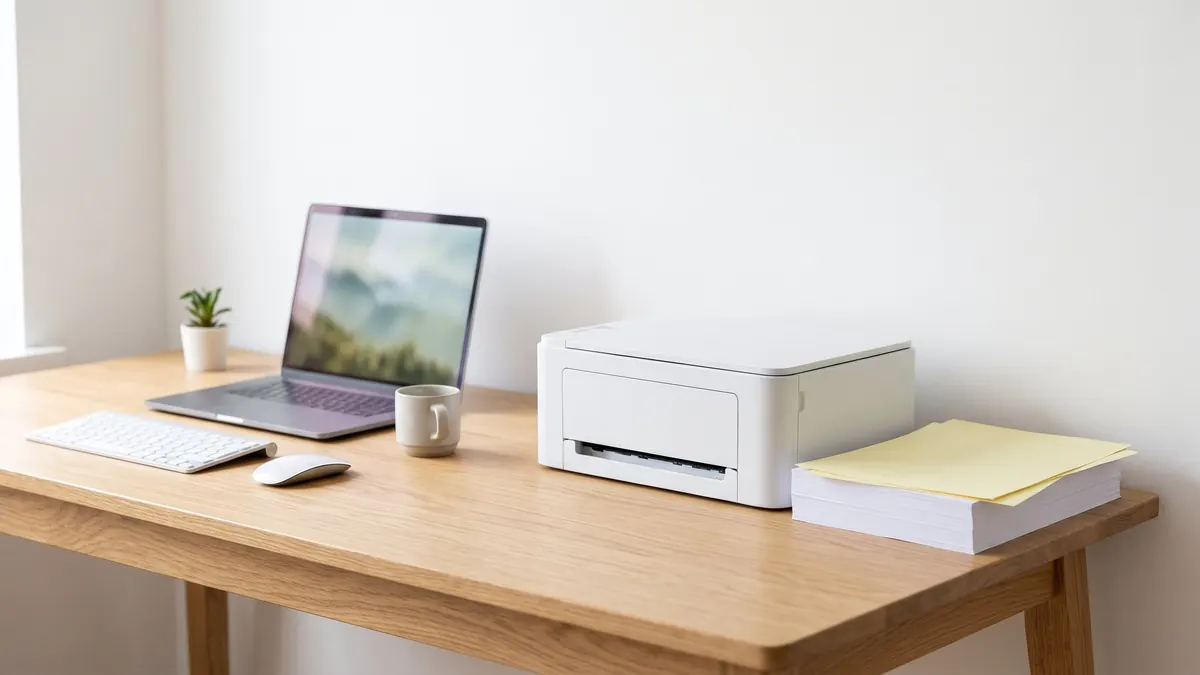
- A printer and scanner, if your work still involves paper or signatures.
- A paper shredder for documents with personal or client information.
- A whiteboard or large notepad for planning.
- A small speaker or noise machine if silence makes it hard to focus.
- Plants and a few personal touches that make the room somewhere you want to be.
Conclusion
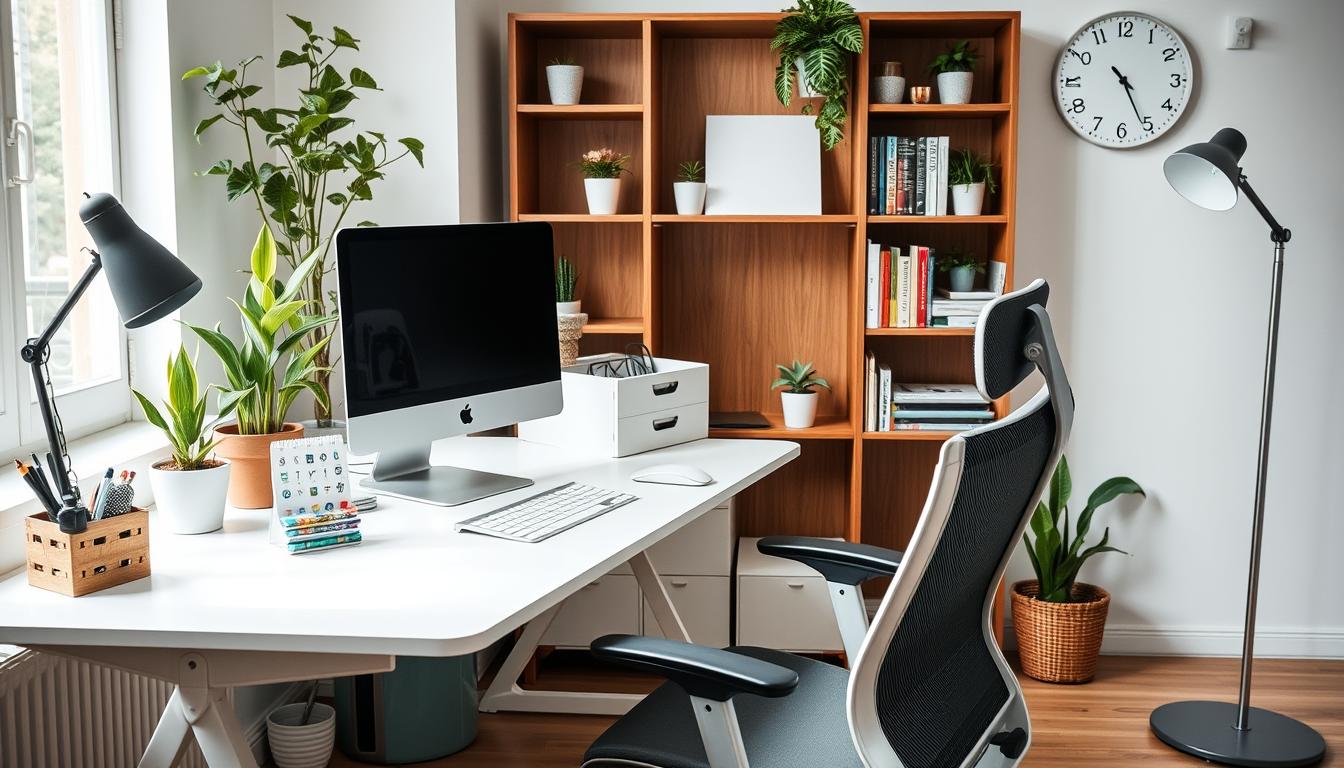
A functional home office starts with the things you use every minute: a computer that keeps up, a screen at eye level, a chair and desk that fit your body, clear audio for calls and a steady connection. Get those right first, light the room well, back up your work, and add extras only when you notice you need them.
FAQ
What is the most important piece of home office equipment?
For most people it is the chair, followed closely by an external monitor. You spend the whole day in contact with both, so they have the biggest effect on comfort.
Do I need a second monitor for working from home?
Not always. One good external monitor at eye level is the bigger win. A second screen helps if you regularly compare documents, edit video or keep chat and email open beside your main work.
How can I set up a home office on a small budget?
Start with a laptop stand, a basic keyboard and mouse, and a chair that adjusts. Use a desk or table you already own at the right height, and place it by a window for natural light.
Is a standing desk worth it?
It can be if you like changing position during the day. The benefit comes from moving between sitting and standing, not from standing all day. A converter on your current desk is a cheaper way to try it.
What do I need for professional video calls at home?
A headset or earbuds with a good microphone, a camera at eye level, light in front of you and a stable internet connection. A tidy, simple background helps too.